
Premiere Pro QE API
Adobe Premiere Proの公式APIには機能上の制約があります。QE APIには、クリップへのエフェクト追加などに使われる機能があります。
QE API (Quality Engineering の略) は、内部テストと自動化のために構築されました。内部使用向けに設計されたにもかかわらず、すべての Premiere Pro プラグイン開発者が利用できるようになり、多くの重要な機能が備えられています。公式には、QE API はサポートされていませんが、他の方法では不可能な機能を実現するために広く利用されています。
QE API の使用
QE DOMを使う前に app.enableQE() を呼び出します。有効化すると、 qe.newProject() などの関数を使えます。
QE APIで利用できる関数を調べるには、 qe.reflect.methods を確認します。手作業で調べるのは大変ですが、 ExtendScript Developer Tools を使えばQE APIを調べられます。拡張機能は、パラメーターや戻り値の型を含むプロパティとメソッドの一覧を表示します。
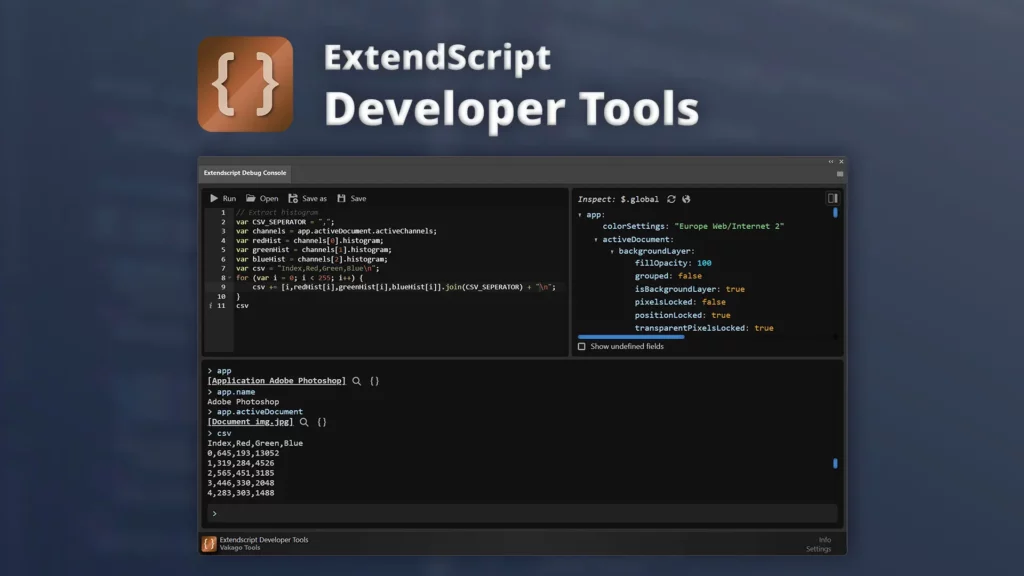
ExtendScript Developer Tools
この記事ではExtendScript Developer Toolsを使います。拡張機能について詳しくは以下のボタンをご覧ください。
ExtendScript Developer ToolsでQE APIを調べる
ExtendScript Developer Toolsのバージョン1.1.6で、 ExtendScript Developer Tools ExtendScript名前空間にあるオブジェクトのメソッドを調べる機能が追加されました。公式Premiere Pro APIに加えて非公式のQE APIも参照できます。拡張機能はリフレクションを使い、その環境で確認できるQE APIのメソッド情報を生成します。
まずExtendScript Developer Toolsで qe オブジェクトを調べます。 inspect パネルで methods を展開すると、利用可能な関数の一覧が表示されます。
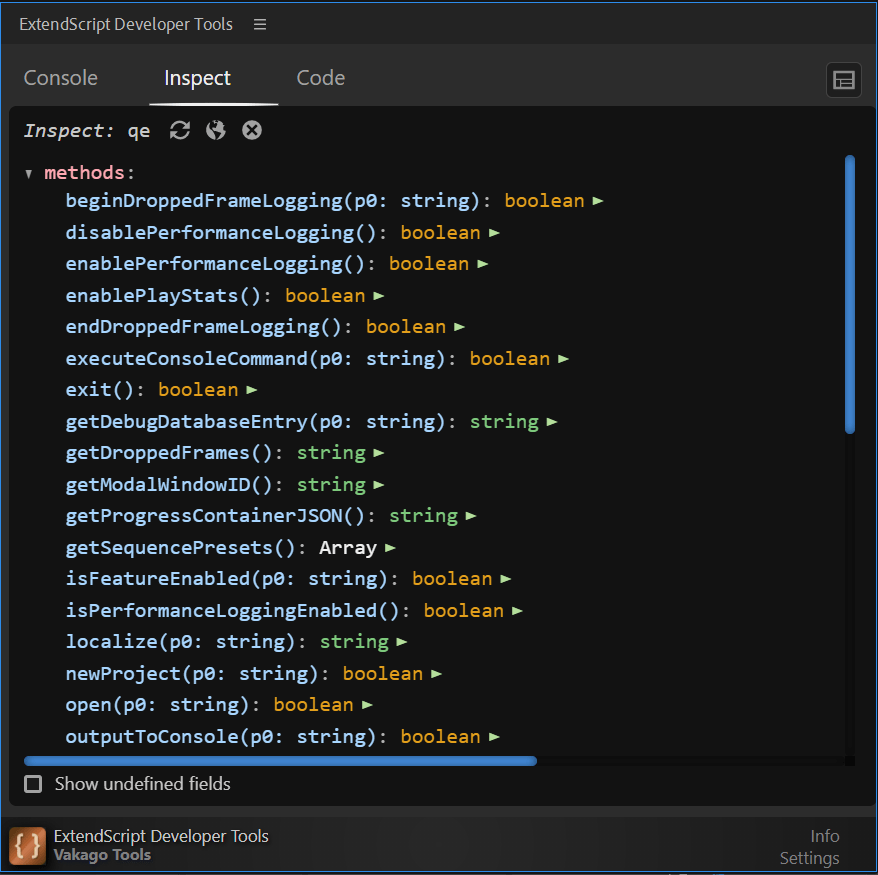
小さな実行アイコンをクリックすると、拡張パネル内からそれぞれの機能を直接実行できます。
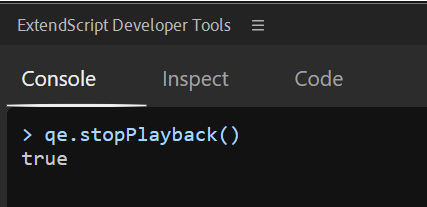
一般的な QE 機能
以下は、QE API を使用できる例をいくつか示します。
元に戻す
QE APIでは qe.project.undo() を呼び出して特定の操作を元に戻せます。この機能は記事公開時の公式APIにはありません。
ビデオエフェクトを取得する
関数 qe.project.getVideoEffectList() を呼び出すと、利用中のPremiere Proで使えるエフェクトの一覧を取得できます。そのエフェクトをクリップに適用できます。
クリップにビデオエフェクトを追加する
記事公開時の公式APIにはクリップにエフェクトを追加する機能がありません。QE DOMではQETrackItemの addVideoEffect() を呼び出せます。
例:
app.enableQE();
var gammaCorrectionEffect = qe.project.getVideoEffectByName("Gamma Correction");
var activeSequence = qe.project.getActiveSequence();
var clip = activeSequence.getVideoTrackAt(0).getItemAt(1);
clip.addVideoEffect(gammaCorrectionEffect);
QE DOM
QEクラス (qe)
次の一覧は ExtendScript Developer Tools で生成したQE API関数の例です。
プロパティ
Number audioChannelMapping プロパティ
Object codeProfiler プロパティ
String config プロパティ
Object ea プロパティ
String language プロパティ
String location プロパティ
String name プロパティ
String platform プロパティ
Object project プロパティ
Object s2t プロパティ
Object source プロパティ
Object tqm プロパティ
String version プロパティ
メソッド
Boolean beginDroppedFrameLogging(String p0) Method
Boolean disablePerformanceLogging() Method
Boolean enablePerformanceLogging() Method
Boolean enablePlayStats() Method
Boolean endDroppedFrameLogging() Method
Boolean executeConsoleCommand(String p0) Method
Boolean exit() Method
String getDebugDatabaseEntry(String p0) Method
String getDroppedFrames() Method
String getModalWindowID() Method
Array getSequencePresets() Method
Boolean isFeatureEnabled(String p0) Method
Boolean isPerformanceLoggingEnabled() Method
String localize(String p0) Method
Boolean newProject(String p0) Method
Boolean open(String p0, Boolean p1) Method
Boolean outputToConsole(Stringp0, Boolean p1) Method
Boolean resetProject() Method
Boolean setAudioChannelMapping(Number p0) Method
Boolean setDebugDatabaseEntry(String p0, String p1) Method
Boolean startPlayback() Method
Boolean stop() Method
Boolean stopPlayback() Method
Boolean wait(Number p0) Method
Boolean write(String p0, Boolean) Method