100% private
No uploads, no servers, no tracking of your photos. All AI runs locally in your browser tab.
Vakago PhotoShear AI removes image backgrounds locally in your browser. Hair & edge refinement, a touch-up brush and full-resolution transparent PNG export, with no sign-up, watermark or server.
Drop an image here
or paste from clipboard (Ctrl/⌘ + V) · JPG, PNG, WebP
First run downloads an AI model (~44–115 MB) once, then it’s cached.
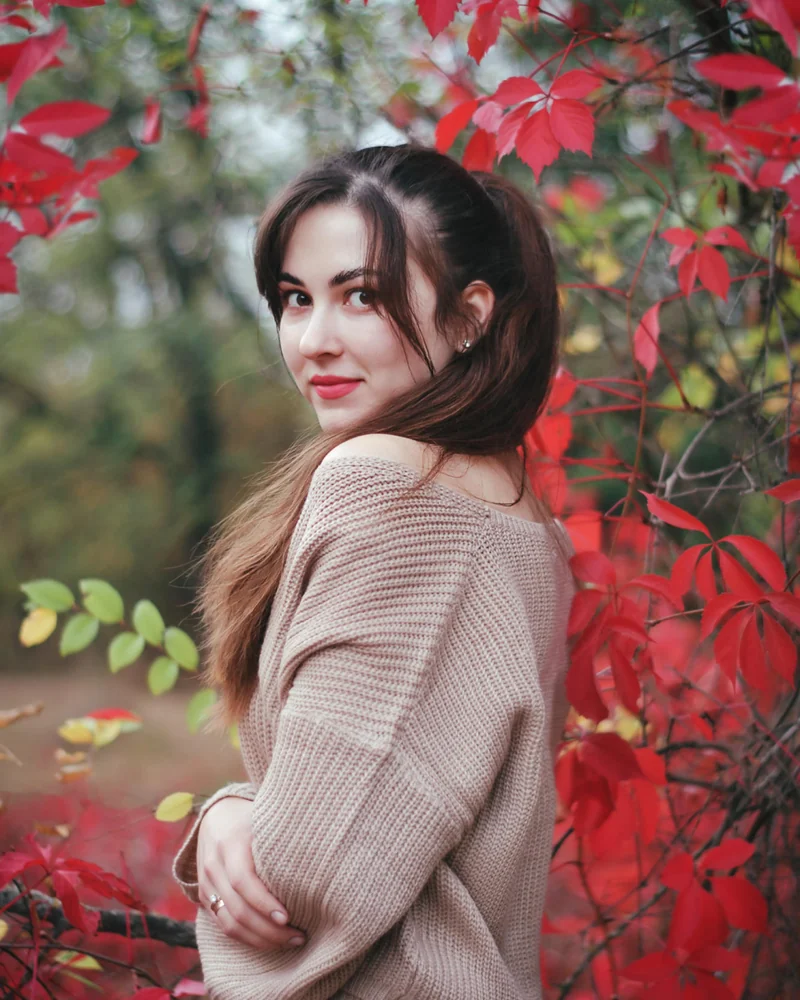
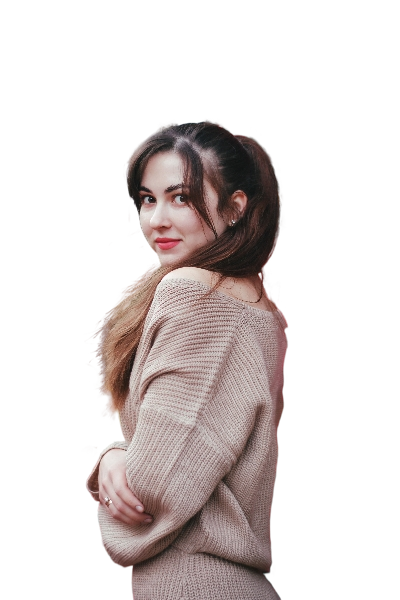
From photo to transparent PNG in a few seconds, without leaving your browser tab.
Drag & drop, browse, or paste an image with Ctrl/⌘ + V.
A neural network runs on your device and cuts out the foreground in seconds.
Pick a background, tweak the edges if you like, and save a transparent PNG.
A complete in-browser image cut-out tool: private by design, fast with WebGPU, for people, animals and objects.
No uploads, no servers, no tracking of your photos. All AI runs locally in your browser tab.
Uses your GPU when available for results in about a second, with an automatic CPU fallback.
Guided-filter matting and colour decontamination keep wispy strands and remove edge halos.
Edge shift, feather, cut-offs, specks removal, plus a restore/erase brush for perfect edges.
Transparent, solid colours, gradients, your own image or a blurred copy of the original.
Download PNG, WebP or JPG up to your original resolution, optionally cropped to the subject.
For quick results, choose from three options and you’re done.
For pixel-perfect control over every edge.
Yes. Everything runs inside your browser using WebGPU or WebAssembly. Your photos are never uploaded to a server, there is no account, no watermark and no usage limit. The only network traffic is the one-time download of the AI model, which your browser then caches.
The page downloads a compact neural network (an ONNX model) and runs it locally with ONNX Runtime Web. On supported browsers it uses WebGPU for GPU acceleration, otherwise it falls back to multithreaded WebAssembly on your CPU.
Recent versions of Chrome, Edge and Opera support WebGPU, and Safari 18+ and Firefox are rolling it out. If your browser doesn’t support it, the tool automatically uses the slower-but-compatible CPU engine, so it works everywhere.
Use Auto for people, animals and objects, then choose Hair under Edge cleanup. In Advanced mode, the “Portrait & hair” preset applies edge-aware refinement and colour decontamination to reduce halos around soft edges. You can also try “Maximum detail” on a WebGPU browser for fine structures.
Simple mode is three steps: tell us what’s in the photo, pick a background, download. Advanced mode exposes the AI model choice, hair & edge refinement, mask shaping (cut-offs, shrink/grow, feather), a restore/erase touch-up brush, background images and gradients, and export options such as format, resolution and crop-to-subject.
You can open JPG, PNG, WebP, GIF, BMP and AVIF images. Large photos are previewed at reduced resolution for speed and re-rendered from your original file at up to full resolution when you download. Export as transparent PNG, WebP, or JPG with a background.
PhotoShear AI processes still images in your browser. For video, Vakago AI Background Remover is a separate extension for Adobe Premiere Pro and After Effects. See the video background removal section below for the extension and a link to SteadyCut, our online video stabilizer.
You own your images and the cut-outs. Note that each AI model has its own licence: the Maximum detail model (MIT) is permissively licensed, while the General model (RMBG-1.4) is released for non-commercial use.
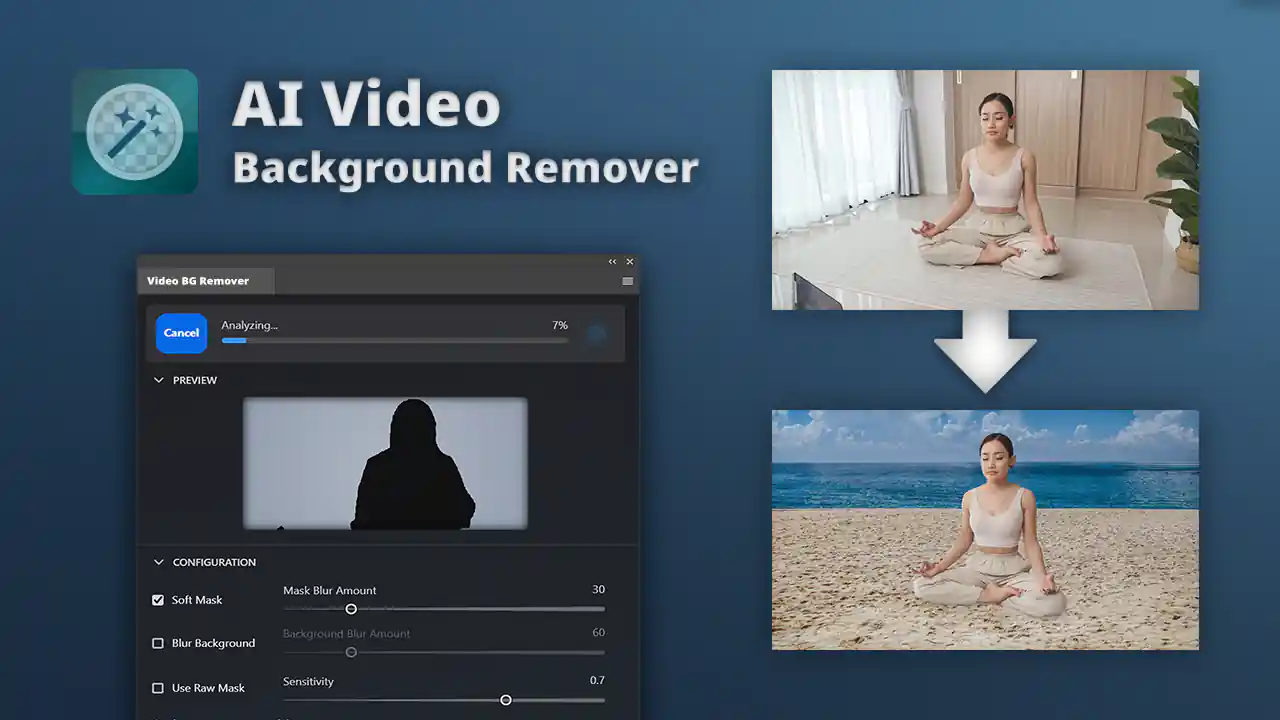
For Adobe Premiere Pro and After Effects
PhotoShear AI is for still images. For video, explore Vakago AI Background Remover, our extension for Premiere Pro and After Effects. Remove, blur or replace video backgrounds in your editing workflow.
Explore the video background removerShaky footage? Try SteadyCut, the free online video stabilizer by Vakago Tools.