Premiere Pro downgrader
Open any Premiere project in an older version
Drop a .prproj from Premiere 2026 or any newer release and get a copy your older install will open. Nothing is uploaded.
Drop your .prproj here
or click to browse. Multiple files are fine.
Always keep your original. Downgrading bypasses the version gate and repairs known format differences, but effects and features from newer releases cannot be interpreted by older builds. After opening, import the sequences into a fresh project.
More Premiere Pro tools
Extensions and plugins from Vakago Tools to help with your next edit.
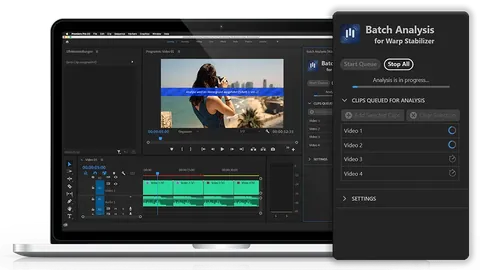
Batch Video Stabilization
Stabilize multiple clips with batch and background processing in Premiere Pro.
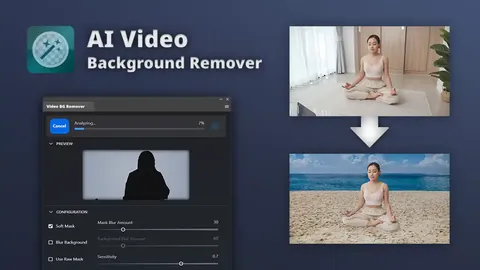
AI Background Removal
Remove, replace, or blur video backgrounds with AI.
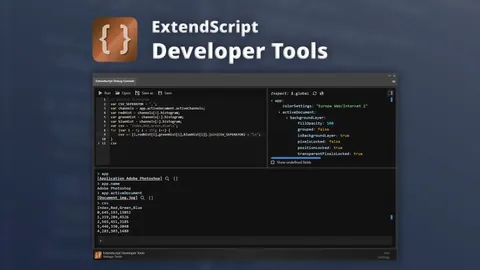
Premiere Pro Automation
Automate repetitive editing tasks with ExtendScript Developer Tools.
Most requested downgrades
Each route has its own explanation of what differs between the two releases.
Why the old “change Version to 1” trick stopped working
A Premiere project is gzip-compressed XML with a schema number in the root Project tag. For years, editing that number was enough to fool an older install.
Premiere 2026 (project version 45) changed the serialiser. It writes a sparser file that omits fields older releases expect, such as the LowerBound and UpperBound of every video effect parameter. Lower only the version and Premiere 2025 reports the project as damaged. This tool also rebuilds those fields, then verifies the result before letting you download it.
- 1
Decompress
Native gzip streams unpack the .prproj in your tab.
- 2
Inspect
Reads the project version, counts sequences, media references and sparse parameters.
- 3
Rebuild & stamp
Re-inserts missing bounds for 2026 sources and writes the target version.
- 4
Verify & download
Re-reads the output and proves a second repair pass changes nothing.
Every version jump, 45 routes
Pick the release that made the project (row) and the release you own (column). Cells show the project version the target expects.
| From ↓ / To → | 2025 | 2024 | 2023 | 2022 | 2021 | 2020 | 2019 | 2018 | 2017 |
|---|---|---|---|---|---|---|---|---|---|
| 2026 v45 | 43 | 42 | 41 | 40 | 39 | 37 | 35 | 33 | 32 |
| 2025 v43 | · | 42 | 41 | 40 | 39 | 37 | 35 | 33 | 32 |
| 2024 v42 | · | · | 41 | 40 | 39 | 37 | 35 | 33 | 32 |
| 2023 v41 | · | · | · | 40 | 39 | 37 | 35 | 33 | 32 |
| 2022 v40 | · | · | · | · | 39 | 37 | 35 | 33 | 32 |
| 2021 v39 | · | · | · | · | · | 37 | 35 | 33 | 32 |
| 2020 v37 | · | · | · | · | · | · | 35 | 33 | 32 |
| 2019 v35 | · | · | · | · | · | · | · | 33 | 32 |
| 2018 v33 | · | · | · | · | · | · | · | · | 32 |
Covers 2026, 2025, 2024, 2023, 2022, 2021, 2020, 2019, 2018, 2017. Intermediate builds (2020.1, 2019.1, …) and legacy releases back to CS6 are available in the target list of the tool above.
Frequently asked questions
What does a Premiere Pro downgrader actually do?
It unzips the .prproj (gzip-compressed XML), lowers the project version stored in the root Project element, repairs fields that newer releases omit, and gzips it again. Premiere then treats it as a project made by an older build.
Does downgrading a project remove my footage or edit?
No. A .prproj holds only references to your media plus the edit decisions. Your source clips are untouched. Features that only exist in newer releases may be ignored or dropped when the older version loads the file.
Which Premiere Pro versions are supported?
From Premiere 2026 (project version 45) down to CS6 (version 25), including 2025, 2024, 2023, 2022, 2021, 2020, 2019, 2018 and 2017. You can pick the exact release you want to open the project in.
Is it really private?
Yes. There is no server. All processing runs in your browser tab and you can even disconnect from the internet after the page loads.
Do Adobe Productions (.prodset) work?
Each .prproj inside a Production can be downgraded individually with the batch drop zone. Keep the folder layout intact and replace the files, then test the Production in the older version.