이 글에서는 Adobe Premiere Pro에서 ExtendScript로 시퀀스를 중첩하는 방법을 알아봅니다. Premiere Pro 스크립팅 API에 기본 중첩 함수는 없지만 직접 함수를 작성할 수 있습니다. 예제에서는 createSubsequence() 메서드로 중첩 동작을 구현합니다.
시퀀스 중첩은 타임라인의 일부를 새 시퀀스로 만든 뒤, 그 시퀀스를 원래 시퀀스에 다시 넣는 작업입니다.
다음 코드 예제에서는 현재 선택 항목을 중첩하기 위해 nestSequence() 함수를 작성한다고 설명합니다.
아래 스크린샷에서는 nestSelection() 함수를 ExtendScript Developer Tools 에서 실행한 모습을 볼 수 있습니다. 실행 후 선택한 클립이 중첩되었습니다. nestSelection() 이 함수가 예제에서 사용됩니다.
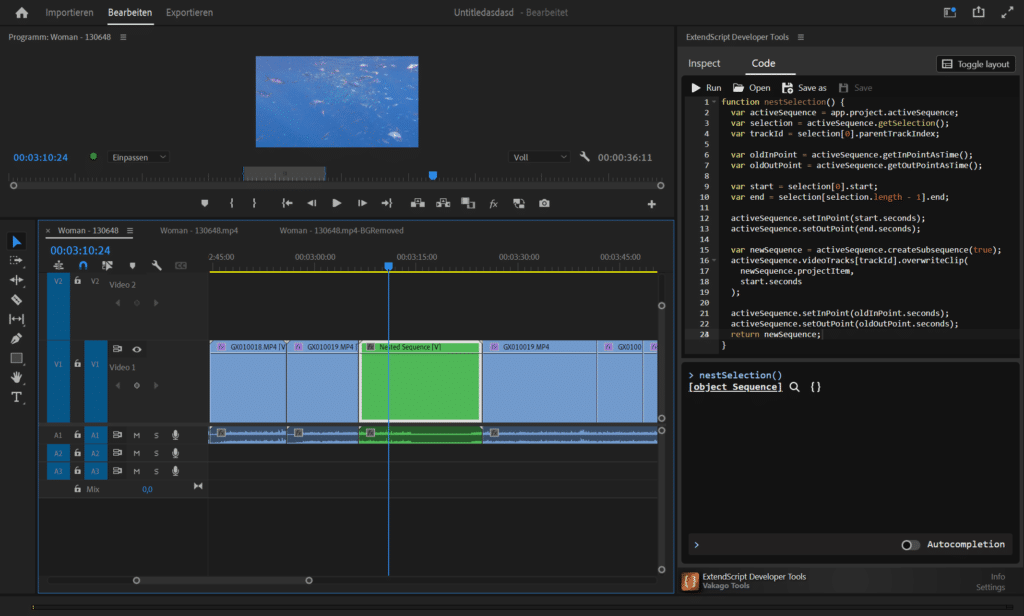
먼저 app.project.activeSequence 를 사용해 활성 시퀀스를 가져옵니다. 다음으로 getSelection() 메서드로 선택된 클립을 가져오고, 첫 번째 클립의 트랙 인덱스를 확인해 새 중첩 시퀀스를 넣을 트랙을 결정합니다.
하위 시퀀스를 만들면서 인/아웃 지점을 변경하므로 활성 시퀀스의 현재 inPoint와 outPoint를 저장해 둡니다. 그런 다음 선택 영역의 시작과 끝 시간을 구해 활성 시퀀스의 인/아웃 지점으로 설정합니다.
createSubsequence() 메서드로 활성 시퀀스에서 하위 시퀀스를 만들고, 새 시퀀스로 이전 선택 클립을 덮어씁니다.
function nestSelection() {
  var activeSequence = app.project.activeSequence;
  // Get the current selection in the active sequence
  var selection = activeSequence.getSelection();

  if (selection.length < 1) {
    return;
  }

  // We'll put the the sequence on the same track as the first item in the selection. The "cleaner" solution would be checking whether all clips are on the same track.
  var trackId = selection[0].parentTrackIndex;

  // In order to restore the previous in / out point we'll store the current values
  var oldInPoint = activeSequence.getInPointAsTime();
  var oldOutPoint = activeSequence.getOutPointAsTime();

  // Get the start and end times of the selection
  var start = selection[0].start;
  var end = selection[selection.length - 1].end;

  // Set the inPoint and outPoint of the active sequence to the start and end of the selection
  activeSequence.setInPoint(start.seconds);
  activeSequence.setOutPoint(end.seconds);

  // Create a new subsequence from the active sequence
  var newSequence = activeSequence.createSubsequence(true);

  // Overwrite the first video track of the active sequence with the new subsequence
  activeSequence.videoTracks[trackId].overwriteClip(
    newSequence.projectItem,
    start.seconds
  );

  // Restore the original inPoint and outPoint of the active sequence
  activeSequence.setInPoint(oldInPoint.seconds);
  activeSequence.setOutPoint(oldOutPoint.seconds);

  // Return newly created sequence
  return newSequence;
}

nestSelection();
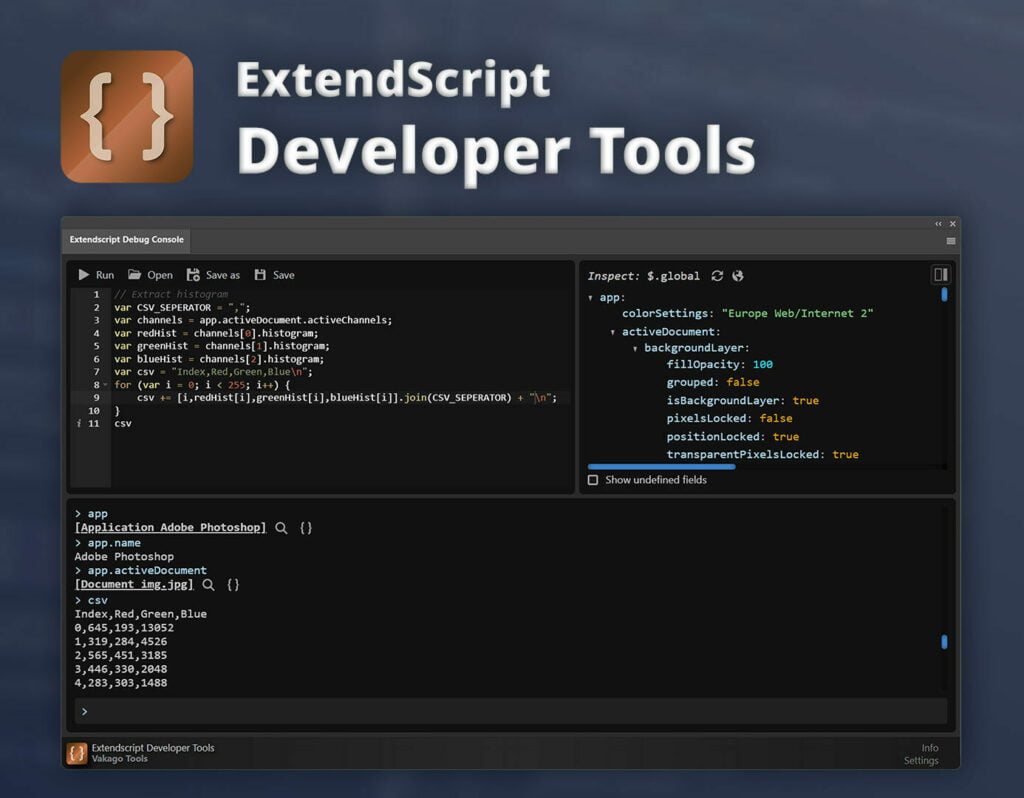
ExtendScript Developer Tools
이 글에서는 Adobe Creative Cloud용 ExtendScript Developer Tools를 사용합니다. 아래 버튼에서 제품을 살펴보세요.