Adobe Creative Cloud Plugin
Batch Video Stabilizer
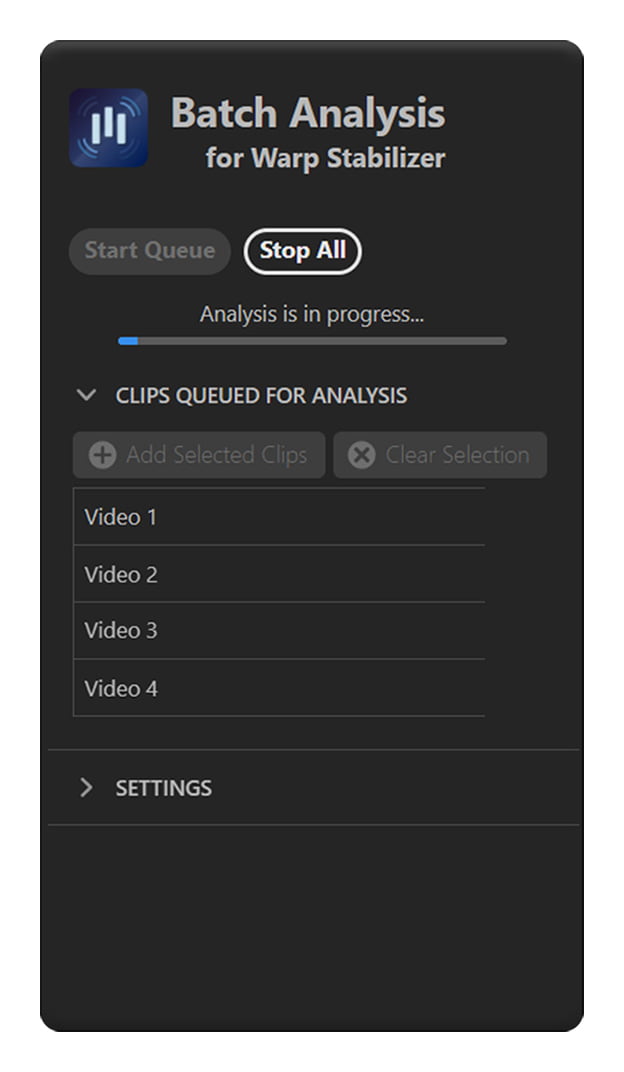
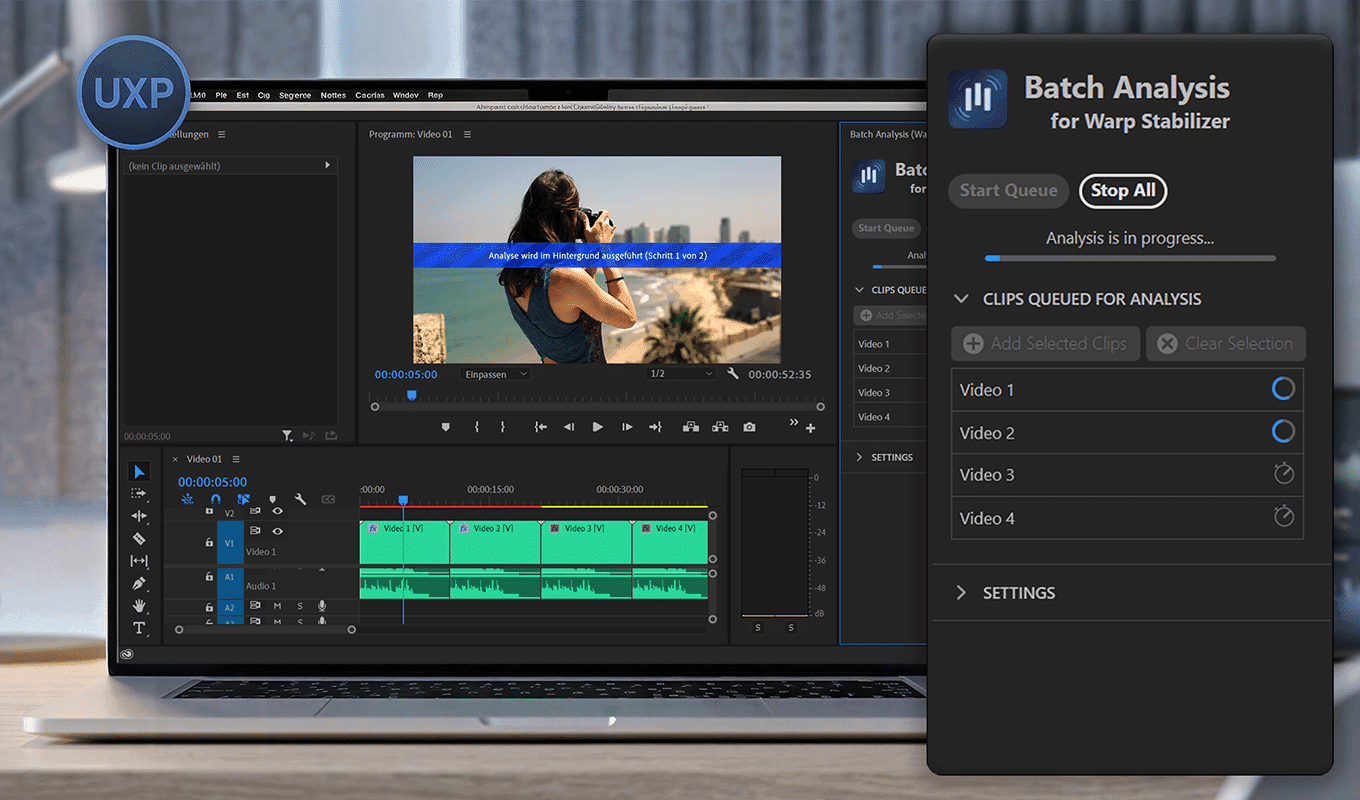
The Batch Video Stabilizer Plugin revolutionizes your editing workflow by allowing you to queue, analyze, and stabilize countless video clips all at once. The plugin automatically applies the Warp Stabilizer effect and analyzes the clips sequentially or in parallel. Parallel processing significantly speeds up analysis and turns hours of waiting into minutes. The plugin is available as both a classic CEP extension and a modern UXP extension. The UXP extension requires Premiere Pro 25.6 or later.
Key Features
Unlimited Stabilization Queue
Queue up as many video clips as you need. Whether you are working on a short vlog or a feature-length documentary, you can load your entire timeline’s footage into the queue.
True Parallel Analysis
Take full advantage of your hardware. By enabling Parallel Analysis, the plugin utilizes multiple CPU cores to process and stabilize clips concurrently, drastically speeding up your workflow compared to Premiere’s native single-clip processing.
Background & Overnight Processing
Let the batch stabilization run in the background while you work on other sequences, or leave it running overnight. The plugin automatically renders the timeline once all clips have been fully stabilized.
Easy Restabilization
Not quite satisfied with how a clip turned out? Easily flag and reanalyze specific clips to tweak parameters and improve the stabilization quality of already processed footage without starting from scratch.